Place and route
Mark checkpoints on a map and switch on the GPS check if needed.
An orienteering game can be prepared in one evening. Here is the whole process from idea to results table, with practical tips on number of points, timing and teams.
First decide three things: where the game takes place (indoors, a yard, a park or a city), how long it lasts and who plays. For a one-hour game, 8 to 12 checkpoints is usually enough; for children, fewer and closer together.
Decide whether people play solo or in teams. One phone per team is enough, and teamwork is usually the most fun part. With many teams, allow points in any order so everyone does not crowd at one point.
In Atklāj everything happens in the browser: you prepare the game on a computer, print the QR codes, and participants play on their own phones without an app. Results and points are counted automatically.
Mark checkpoints on a map and switch on the GPS check if needed.
Multiple choice, text, number, photo or a simple check-in.
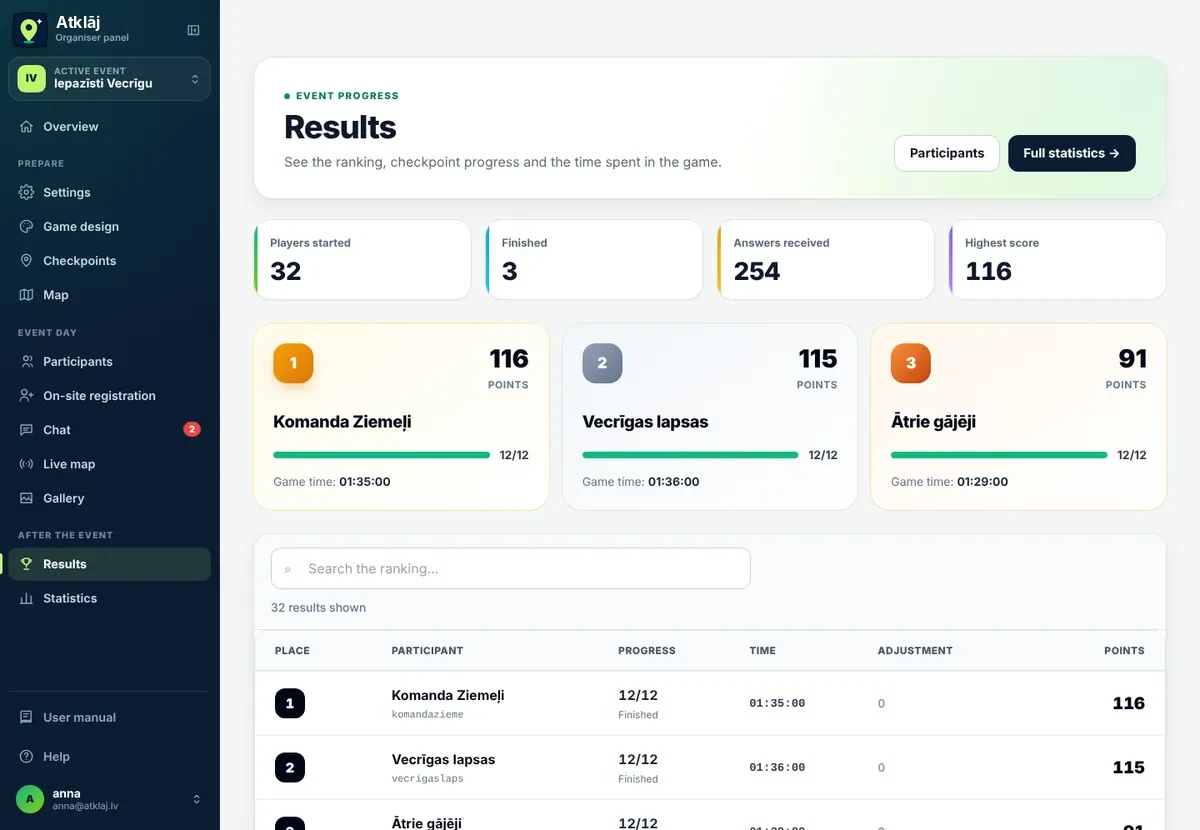
Points, time and ranking in a table you can also show on a screen.
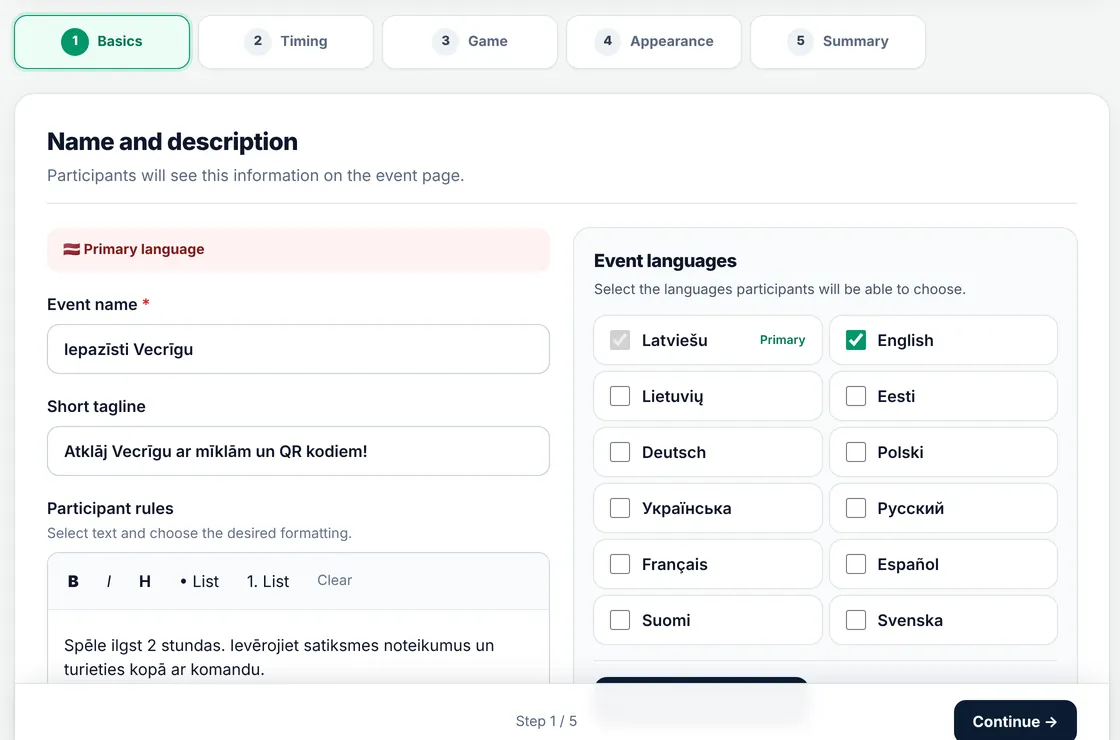
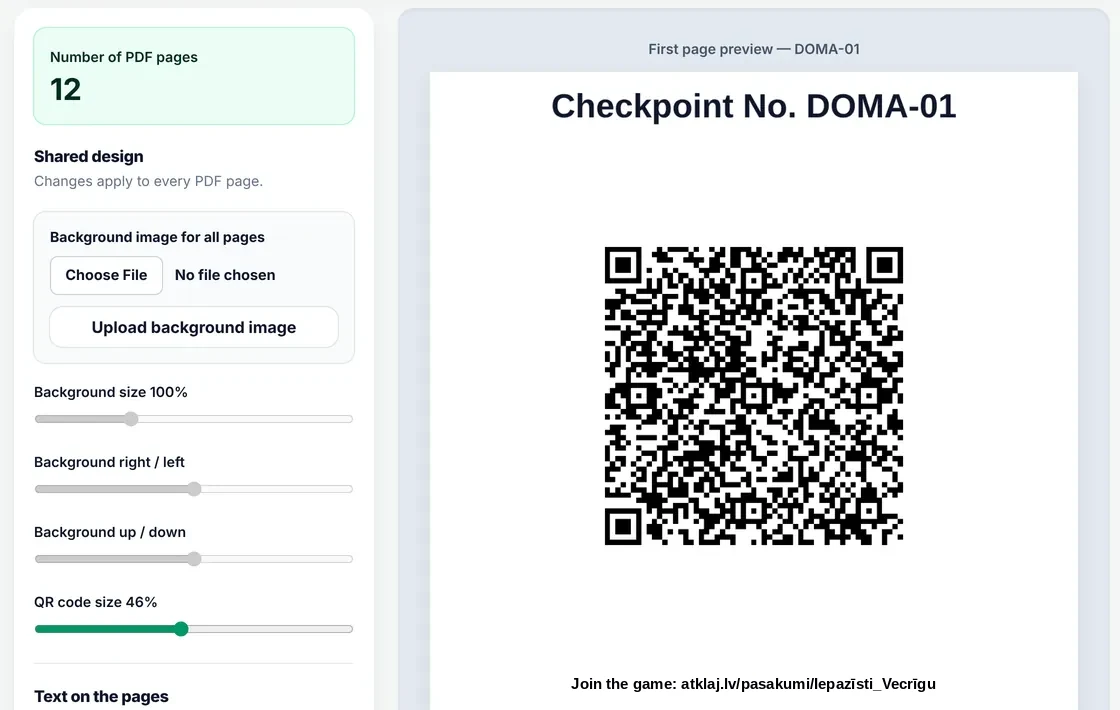
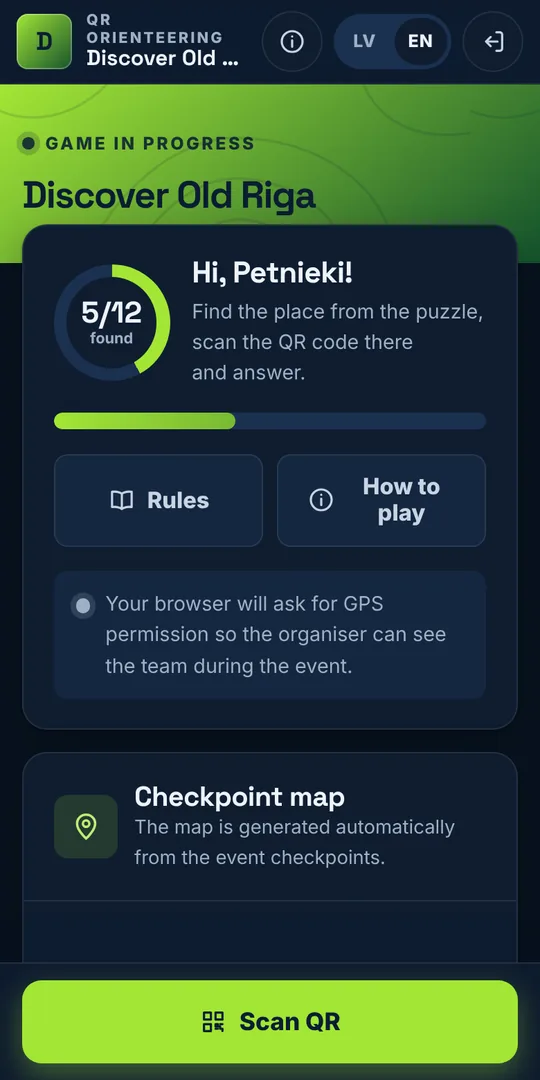
A simple game with 8 to 10 points can be prepared in one evening. Coming up with the questions takes the most time, so the task ideas page helps.
The first game can be prepared for free on the Start plan. Bigger events have paid plans per event or per year; prices are at atklaj.lv/pages/abonementi.php.
A checkpoint opens only after scanning its QR code, and you can switch on the GPS check so answers are only possible on the spot. Photo tasks are good proof that a team really was there.
Put the QR codes in clear sleeves or laminate them, and plan a few points under cover. You can change the game time at the last minute, and the participant link stays the same.
Create an organiser profile and prepare your first game for free. For a bigger event, choose a plan right when you sign up. See prices
Cookies
Necessary cookies (sign-in, language) are always on. Analytics cookies (Google Analytics) help us understand how the site is used, and we switch them on only with your consent. Learn more